
Data is money
Are you still using Typeform / Google Forms / SurveyMonkey / Microsoft forms?
And ... may I ask ... how much are you spending to do that?
If the answer has more than one zero in it, or you don't want to tell me, then there's something you should know!
££££££££££££££££££££££££££££££££££££££££
“There is, though, a whole other world out there where people build their forms at zero cost, and pretty darn quickly, too.”
Do it for free with Drupal
There are a bunch of wins when you use an external data collection service. Data handling and GDPR is made easy, you don't have to handle additional web infrastructure, you can just give the right people a nice login... it's great!
There is, though, a whole other world out there where people build their forms at zero cost, and pretty darn quickly, too.
Drupal has a module called Webform , which has for over a decade provided incredibly powerful form-building tools to the masses. You can do everything that Typeform does, and more, using the site already at your fingertips (or, if you're spending THAT MUCH on your forms, the site you could afford to build just for form building, and still have change).
Let's go see what it can do.
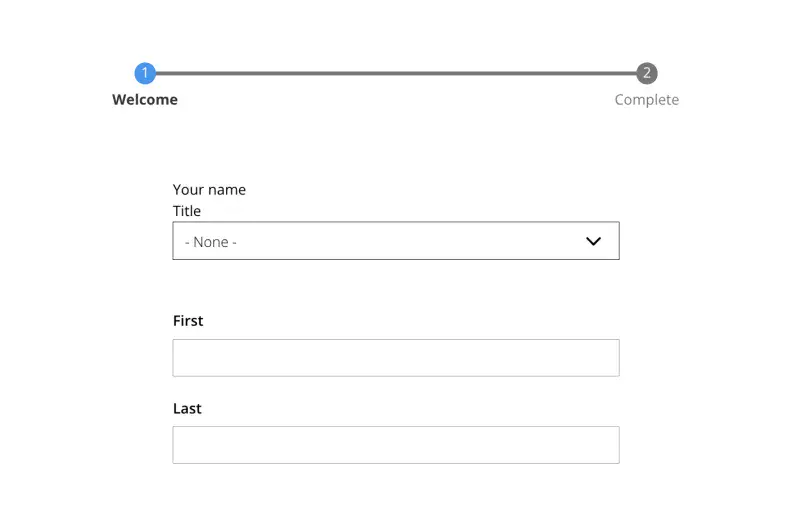
Ready. Steady. Build!
1. Create and build
Want to do anything?
Go ahead! Do it! Webform has zillions of components right out of the box
(Or you can commission your own)
- Pages
- Name
- Numbers
- Selections
- Tick boxes
- Likert scales
- Text fields, big and small
- Colour
- Range
- Rating
- Signature
- Image upload
- Camera
- File upload
- Video
- Address
- Telephone number
- Radios
- Autocomplete
- Select from existing content
It takes seconds to add and configure form elements, and there are plenty of customisation options you can use (or ignore!)


2. Monitor and capture
Connecting responses to emails is trivial, and posting data onwards to external sources is supported in a number of ways.
But it's probably easier to register the site as a data collector and then download the results at the end.

3. Relax!
OH, and download the results at the end
As expected, you can download your results in a variety of formats, with all the options you might need.

I want a Drupal site that can do this
Like what you see?
Drop us a line to discuss your project.
You'll be glad you did.